


Remote work solved a lot of problems. It also introduced a new one that nobody talks about enough: the check-in that doesn't happen. In an office, someone walks by your desk and you get a casual "how's the project going?" In a remote team, that doesn't exist unless someone creates it deliberately. And when nobody creates it, the only signal managers get is ticket updates and Slack activity — which tells you what people are doing but nothing about how they're doing.
A well-crafted check-in message creates that deliberate touchpoint. Done right, it takes 2 minutes for the team member to answer and gives the manager visibility that no sprint board can provide. Here are 15 templates, organized by purpose, that consistently get good responses.
Daily check-ins (work-focused)
These go into the team or project channel every morning. They're work-focused, structured, and brief — the goal is alignment on today's priorities, not a social interaction.
1. The classic standup
Message Template
TemplateGood morning 👋 Drop your daily update in thread: • What did you finish yesterday? • What are you focused on today? • Anything blocking you? Quick bullets are perfect.
2. The priority check
Message Template
TemplateMorning team! What's your #1 priority today? One sentence each — what's the most important thing you'll move forward today? Drop in thread.
The single-priority format cuts through the noise on busy days and often reveals when two people are working on the same thing — or when someone's priority doesn't match what the team needs most.
3. The honest start
Message Template
TemplateMorning! Quick daily check-in: • Energy level today (1–5)? • What are you working on? • Any help needed? No judgment on the energy number — just useful context.
The energy level question sounds soft but it's genuinely useful. A team of 4s and 5s is in a different operational mode than a team of 2s and 3s, and adjusting workload accordingly prevents burnout from building invisibly.
Weekly check-ins (bigger picture)
Weekly check-ins zoom out from today's tasks to the week's shape. Send these on Monday mornings or Friday afternoons — Monday for setting direction, Friday for reflection.
4. Monday direction-setter
Message Template
TemplateHappy Monday! Week kickoff check-in: • What does success look like for you this week? • Anything you need from the team to hit it? • Any uncertainty or unknowns we should talk through? Drop in thread — helps us all start aligned.
5. Friday reflection
Message Template
TemplateIt's Friday 🎉 Weekly reflection: • What's your biggest win this week? • What's one thing you'd do differently? • Who deserves a shoutout from this week? Have a great weekend — see you Monday.
6. The 'what did we ship' check-in
Message Template
TemplateEnd of week — what did we ship? 📦 Drop one thing you completed or moved forward meaningfully this week. Could be a feature, a conversation, a decision, a document — anything you made real. Goes in thread, stays in the channel. Good to have a record.
This one doubles as a lightweight changelog. Over time the thread becomes a record of what the team actually shipped, which is useful for retrospectives, performance reviews, and just feeling good about what got done.
Wellbeing and culture check-ins
These are softer and less frequent — once or twice a month. They're the ones that reveal how people are actually doing, not just what they're working on. Remote teams that skip these tend to have higher turnover and lower morale, because nobody finds out people are struggling until they've already decided to leave.
7. The honest team pulse
Message Template
TemplateMonthly team pulse — genuinely curious: 1–5, how are you feeling about work right now? (1 = struggling, 5 = loving it) Optional: one sentence on why. Replies in thread. No wrong answers.
8. The 'what would help' check-in
Message Template
TemplateQuick check-in this week: Is there anything that would make your work meaningfully easier right now — a tool, a process, a decision, a conversation? Drop it in thread. These are the things we can actually act on.
The framing matters here. "What would make your work easier?" gets more honest responses than "do you have any feedback?" because it's specific and action-oriented rather than broadly evaluative.
9. The connection builder
Message Template
TemplateFriday fun check-in 🎲 This week's question: What's something you're looking forward to this weekend? No work talk required — just getting to know each other a bit.
Rotate the question weekly — weekend plans, current book or show, favorite food, unpopular opinion, etc. These build the social tissue that holds remote teams together without requiring anyone to join a virtual happy hour they don't want to attend.
1:1 check-in prompts (manager to individual)
These go in a direct message or a private channel before a 1:1 meeting. Sending them an hour before the meeting means the session starts with concrete topics instead of "so, how are things going?"
10. Pre-1:1 prep prompt
Message Template
TemplateOur 1:1 is in an hour. What do you want to talk about? A few prompts if helpful: • Anything on your mind about work lately? • Anything blocked or uncertain? • Anything you'd like feedback on? No agenda needed — these are just to get us started.
11. The career check-in (quarterly)
Message Template
TemplateQuarterly career check-in time 🧭 Before our call, think about: • What's energizing you in your work right now? • What's draining you? • What skill or area do you most want to develop in the next quarter? No need to prep a formal answer — just give it some thought.
12. The feedback invite
Message Template
TemplateHey — I want to make sure our working relationship is actually working for you. Is there anything I could do differently as a manager that would make your work better? Or anything I should keep doing? Totally optional to answer in writing — we can talk through it in our 1:1 if you prefer.
Cross-functional and project check-ins
13. The cross-team blocker sweep
Message Template
TemplateCross-team check-in 🔗 @[team-a] @[team-b] — anything you're waiting on each other for this week? Better to surface it here than find out on Friday that something's been blocked for three days.
14. The project health check
Message Template
TemplateQuick project health check for [Project Name]: 🟢 What's on track? 🟡 What's at risk? 🔴 What needs attention or a decision? One bullet each. Thread below.
15. The async decision check-in
Message Template
TemplateDecisions we made this week — quick recap so everyone's aligned: [Decision 1]: [What was decided and why] [Decision 2]: [What was decided and why] If you have questions or context I missed, reply here.
This last one is often overlooked. Decisions made in meetings or small group chats don't always propagate to the whole team. A weekly decisions recap prevents the "wait, when did we decide that?" conversation.
How to schedule these automatically
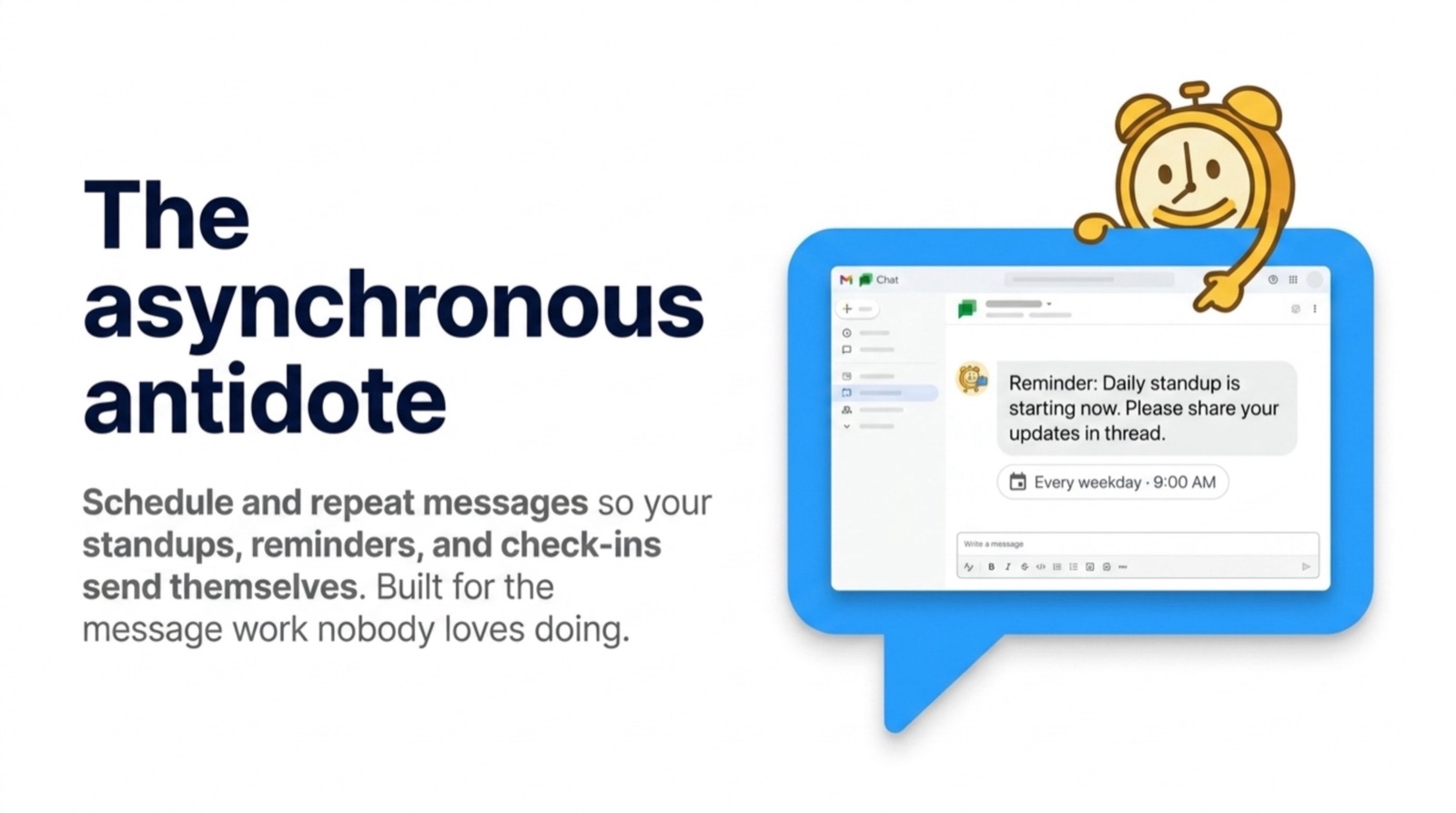
A check-in message only works if it actually gets sent. The moment it relies on someone remembering to type it is the moment it becomes inconsistent. Use Schedule Message to set each message on a recurring schedule — the daily standup fires every weekday at 9 AM, the Friday reflection fires every Friday at 3 PM, the monthly pulse fires on the first Monday of each month.
Setup takes about 90 seconds per message. Once scheduled, the messages show up in the channel under your name, on time, every time — even when you're traveling, in back-to-back meetings, or just not thinking about it.
| Check-in | Channel | Frequency | Best Time |
|---|---|---|---|
| Daily standup / priority check | Team channel | Every weekday | 9:00 AM |
| Monday direction-setter | Team channel | Every Monday | 8:30 AM |
| Friday reflection / wins | Team channel | Every Friday | 3:30 PM |
| What did we ship | Team channel | Every Friday | 4:00 PM |
| Monthly team pulse | Team channel | First Monday of month | 10:00 AM |
| Pre-1:1 prompt | DM to individual | Before each 1:1 | 60 min before |
| Career check-in | DM to individual | Quarterly | Morning |
| Project health check | Project channel | Weekly | Monday 9:30 AM |
Frequently asked questions
What should a remote team check-in message include?
How often should you check in with remote employees?
How do I get my remote team to actually respond to check-ins?
What are good check-in questions for remote one-on-ones?
Can I automate remote team check-in messages in Slack?
The teams that do check-ins well aren't doing something complicated. They've picked a small number of the right messages, set them on a schedule, and been consistent for long enough that the team treats them as expected. Start with two — a daily standup and a Friday reflection. Run them for four weeks. See what changes.