


Someone's birthday is today. You found out because a calendar notification fired at 8 AM — the one you set up six months ago when they joined the team. You now need to write a message, post it to the right Space, and remember to do this again for the seven other birthdays coming up this quarter. For small teams this is manageable. For teams of 15, 30, or 100, it becomes an HR spreadsheet problem that inevitably has gaps.
Google Chat has no built-in birthday or anniversary tooling. This post covers exactly how to automate these celebrations natively in Google Chat — the options, the tradeoffs, and the fastest path to a system that runs without anyone maintaining it.
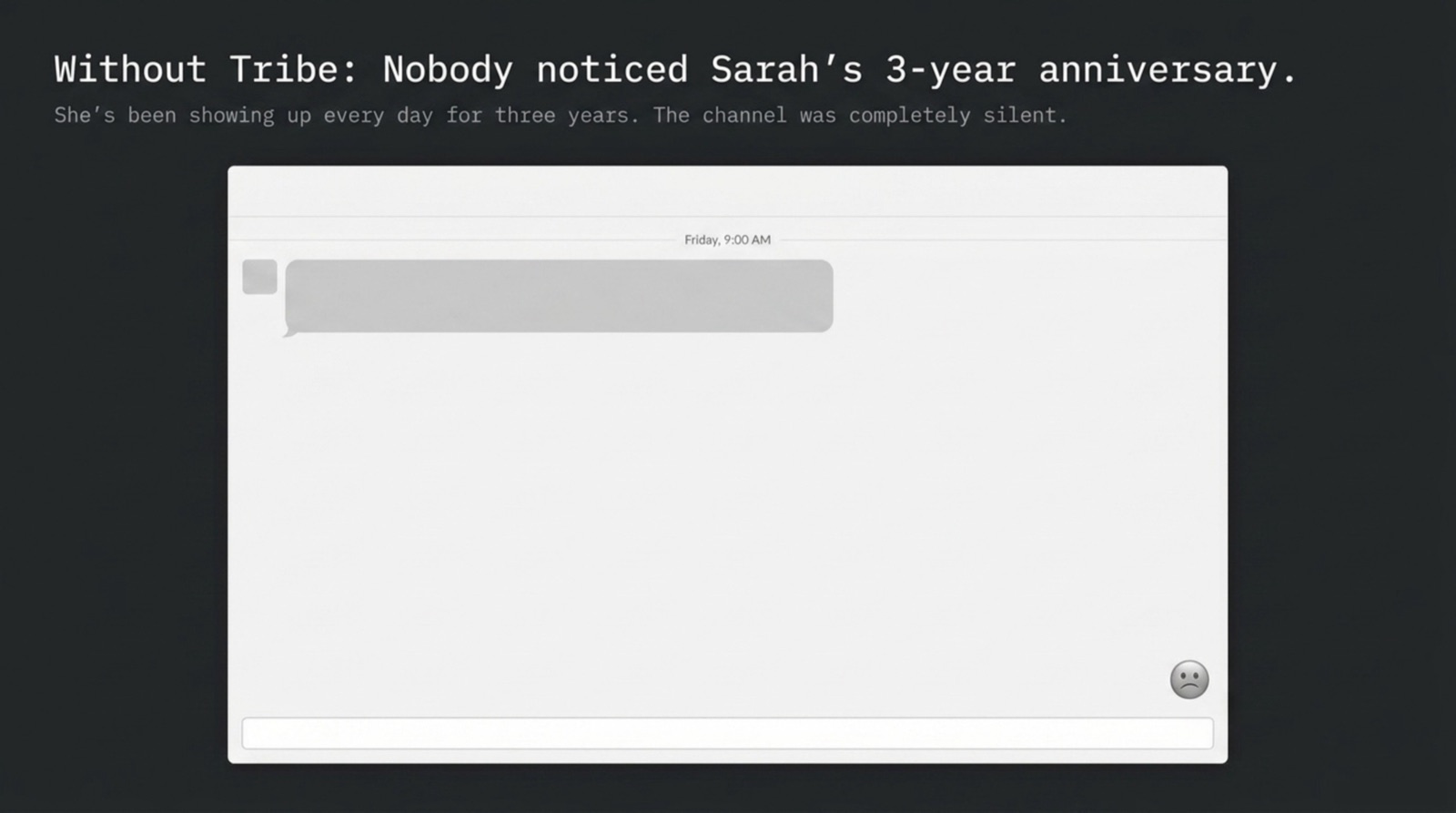
Why birthday and anniversary automation matters for remote teams
In an office, birthdays happen naturally — someone brings cake, people stop by. Remote teams lose that ambient social layer. When milestones go unacknowledged, employees notice. Research from Gallup consistently finds that feeling recognized is one of the strongest predictors of employee engagement, and work anniversaries in particular are tied to retention — the 1-year and 5-year marks are high-attrition moments when recognition makes a measurable difference.
The automation case isn't just convenience. It's consistency: an automated system that posts for every birthday treats every team member equally. Manual tracking doesn't — some people get celebrated enthusiastically, others get missed because the manager was traveling or forgot to check their calendar.
Option 1: Tribe (recommended — purpose-built for Google Chat)
Tribe is the only team culture bot purpose-built for Google Chat with native birthday and anniversary automation. It handles both celebration types out of the box, without requiring a Zapier account or a Google Apps Script developer on your team.
How Tribe's birthday automation works
- Install Tribe from the Google Workspace Marketplace (takes 4 minutes)
- Each team member adds their birthday via a simple /birthday command or through Tribe's setup wizard
- Optionally: pull birthdays from your Google Workspace directory if you maintain birth dates there
- Configure which Space gets the celebration posts
- On each birthday, Tribe automatically posts a celebration message — no manual action required
- Messages can be customized (emoji, message template) in Tribe's settings
How Tribe's work anniversary automation works
- Work anniversaries pull from Google Workspace start dates (if populated in the directory) or can be manually entered
- Tribe detects the anniversary date and posts to the designated Space automatically
- Anniversary posts can be differentiated from birthday posts (different message template, different emoji)
- Supports milestone anniversaries (1 year, 5 years, 10 years) with special recognition messages
- 1 free celebration post every month; $0.75/user/month (annual) for unlimited birthdays & anniversaries
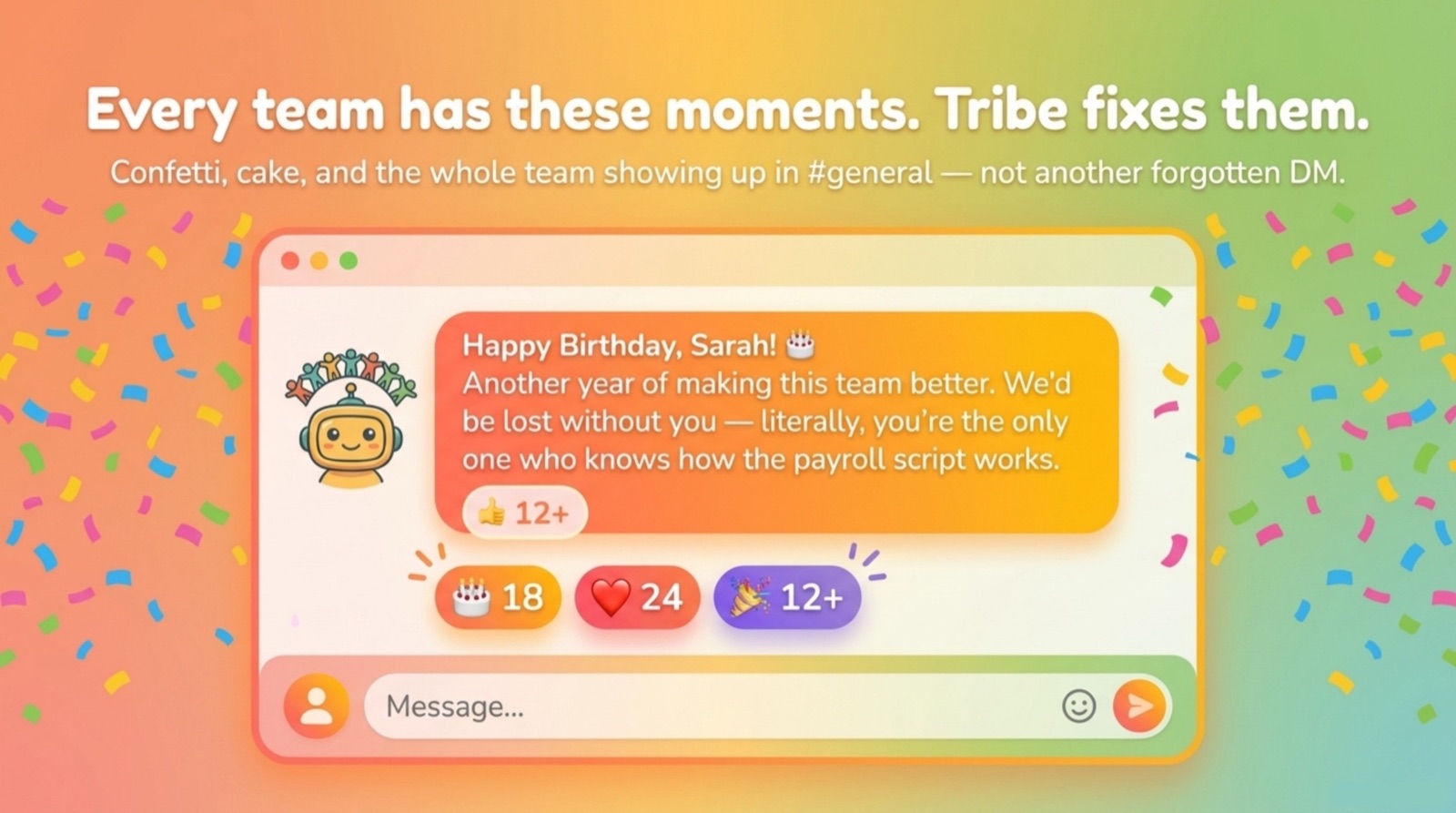
No bot message gap: Tribe posts celebration messages in a way that looks like it comes from Tribe bot in your team Space — but the message itself is natural and warm, not robotic. You can also configure Tribe to send a private nudge to the manager so they can add a personal note.

Best for: any Google Workspace team that wants celebrations to run automatically. Tribe is the fastest path — 5 minutes of setup, then it runs without any maintenance. For the full picture of what Tribe covers beyond birthdays, see the Donut alternatives for Google Chat comparison and the kudos bot guide.
Option 2: Schedule Message (for custom celebration workflows)
If you want celebration messages to look like they came from you personally — not from a bot — Schedule Message offers a different approach. You write the birthday message yourself and schedule it to send on the right date from your account. When it fires, your teammates see "Neha: Happy birthday, Priya!" rather than "Tribe Bot: 🎂 Happy birthday, Priya!"
The tradeoff: Schedule Message requires you to set up each birthday as a recurring annual schedule. For a team of 8–12 people, this is a manageable 30-minute annual setup. For teams of 20+, the maintenance overhead starts to add up — Tribe's automated import is more practical at that scale.
Best for: teams where the manager wants every celebration to look personal and hand-written. Works especially well for small close-knit teams where the personal touch matters more than automation scale.
Option 3: Google Apps Script (for teams with a developer)
Google Apps Script can post to Google Chat via the Chat API on a scheduled trigger. A developer can write a script that reads a Google Sheet with birthday dates, checks against today's date on a daily trigger, and posts to a Space when there's a match. This approach gives full control over message format, timing, and triggers.
The practical downsides: requires ongoing maintenance (Google API credential refresh, script execution quotas, handling date edge cases like February 29th), needs a developer to build and maintain it, and lacks a UI for non-technical HR team members to update the birthday list. For most teams, Tribe is faster to deploy and cheaper to maintain than a custom script — but Apps Script remains a valid option for organizations with specific requirements that off-the-shelf tools don't meet.
Option 4: Zapier or Make (middleware approach)
Zapier and Make can connect a Google Sheets birthday list to a Google Chat webhook. The workflow: a date-based trigger fires each morning, a filter checks if any row matches today's date, and a Google Chat action posts to a Space. This is more powerful than a simple script for teams already using Zapier for other automations — but it adds monthly cost (Zapier's date-based triggers require a paid plan) and requires Zapier/Make knowledge to set up correctly.
Note: Zapier webhooks post as an impersonal incoming webhook — the message appears without a sender name or avatar unless you configure a custom bot profile. For teams who care about how the celebration looks, this produces less polished output than Tribe.
Choosing the right approach
| Approach | Setup Time | Maintenance | Best For |
|---|---|---|---|
| Tribe | 5 minutes | None (fully automatic) | Most teams — fast, polished, scales |
| Schedule Message | 30 min (initial setup) | Annual birthday updates | Small teams wanting personal-feel messages |
| Google Apps Script | 4–8 hours (dev time) | Ongoing (credentials, bugs) | Teams with custom requirements + a dev |
| Zapier/Make | 1–2 hours | Occasional (plan limits, field changes) | Teams already using Zapier for other workflows |
Setting up birthday automation in Google Chat: step-by-step with Tribe
- Go to the Google Workspace Marketplace and search for 'Tribe for Google Chat'
- Click Install and grant the requested permissions (Google Chat access to post in Spaces)
- Open Google Chat — Tribe will send you a setup wizard message in DM
- Designate a team Space for celebration posts (e.g., #team-general or #celebrations)
- Invite team members to add their birthdays via /birthday command or via Tribe's team setup link
- Optionally configure work anniversary detection from Google Workspace directory (requires Workspace admin approval)
- Set celebration message preferences (emoji style, message tone, whether to notify the manager privately)
- Done — Tribe will now post automatically for every birthday and anniversary
Working across platforms? Tribe runs the same celebration automation natively in Slack and Microsoft Teams — and if your org is Teams-first, see our dedicated comparison of birthday bots for Microsoft Teams.